

Table of Contents
- Start with the Screen, Then Build Around It
- How Far Should Furniture Be from the Screen?
- Does Everything Need to be Centered?
- The Best Layout: Sofa Facing the Screen
- Sectionals Create an Immersive Viewing Experience
- The Couch-and-Chair Combination
- Think About Viewing Height
- Flexible Seating Has Advantages
- Leave Room to Move
- Design for More than One Activity
- FAQs
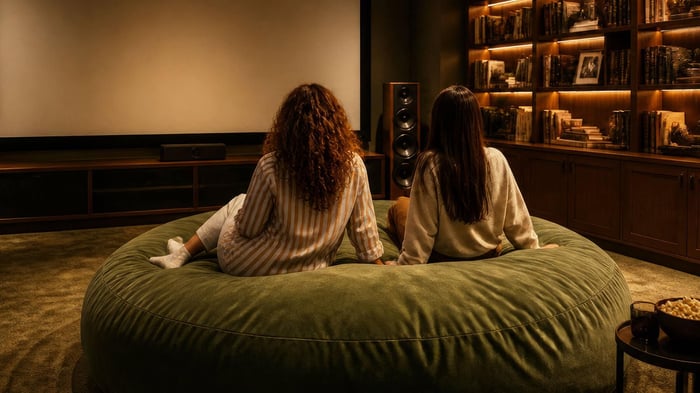
You can have the biggest TV in the world, crystal-clear surround sound, and any streaming service you like, but if the seating is awkward? The whole room feels off. The truth is that a great entertainment space isn't just about the screen, but also about how people experience the screen. Thoughtfully arranging furniture around a screen can make movie nights more comfortable, gaming sessions more immersive, and everyday viewing more enjoyable.
You don't need a professional designer to get it right. A few simple principles can dramatically improve how your room feels and functions.
Start with the Screen, Then Build Around It
One of the most common mistakes people make is arranging furniture first and then figuring out where the TV goes. It should be the opposite.
The screen acts as the focal point of the room, so it makes sense to establish its location before positioning seating.
Once the screen is in place, you can begin arranging furniture around a screen in a way that creates comfortable viewing angles and natural traffic flow. Think of the screen as the anchor. Everything else supports it.
How Far Should Furniture Be from the Screen?
This is one of the more common questions in home theater design. The answer depends on the screen size.
As a general rule:
- Smaller TVs (43-55 inches): 5-8 feet away
- Medium TVs (65-75 inches): 7-10 feet away
- Larger TVs (85+ inches): 9-12 feet away
You don't want to be so close that you're constantly moving your eyes across the screen, but you also don't want to be too far away, or else the details get lost.
The goal is immersion without strain. If you're using a projector, you may need additional distance depending on the screen size and room layout.
Does Everything Need to be Centered?
Not necessarily. This is where people often overthink things.
Ideally, the primary seating position should be centered on the screen. That gives the main viewing area the best line of sight. But not every seat needs to be perfectly aligned. Homes often have side chairs, accent seating, sectional corners, ottomans, etc.
As long as viewers can comfortably see the screen without twisting their necks, slight variations are perfectly fine.
Comfort matters more than geometric perfection.
Unsofa®

$1,999.00
$2,600.00
Some couches are built for show. The Unsofa® is built for life. Unbox it. Unwind on it. Uncover what full-body comfort really feels like on multilayer cushioning topped with memory foam. From movie marathons to midnight sleepovers, this modular wonder… read more
The Best Layout: Sofa Facing the Screen
Sometimes the simplest arrangement is the best. A sofa directly facing the screen remains one of the best setups because it provides equal viewing angles for everyone seated, easy conversation, and a simple room flow.
This layout works well in smaller apartments, living rooms, and family rooms. It's easy to understand, and easy to live with.
Sectionals Create an Immersive Viewing Experience
If you have the space, a sectional can create a more immersive entertainment area.
One side of the sectional naturally becomes the "primary" viewing position, while the adjacent section provides:
- additional seating
- casual lounging
- flexibility for guests
The key is avoiding a sectional that's too deep or too close to the screen. Even the most comfortable furniture won't help if you're craning your neck upward the entire time.
The Couch-and-Chair Combination
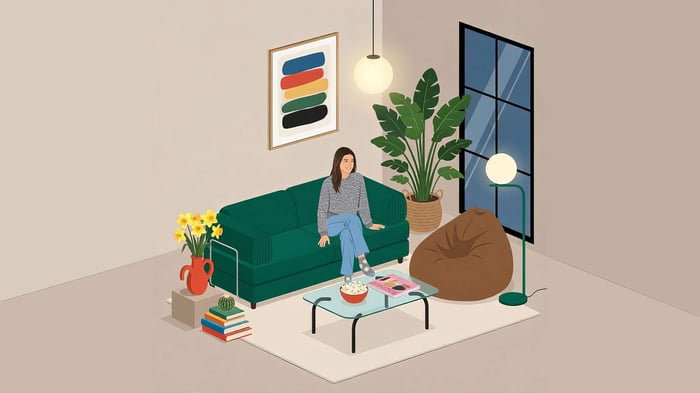
One of the most versatile ways to arrange furniture around a screen is by pairing a sofa with one or two accent chairs. This setup works because it:
- accommodates multiple people
- creates conversation areas
- keeps the room feeling open
For best results, angle chairs slightly toward both the screen and the sofa. That way they work equally well for watching movies or talking with guests.
Think About Viewing Height
Screen placement is just as important as furniture placement. A common guideline is to position the center of the screen roughly at eye level when seated.
If the screen is mounted too high, neck strain increases and long viewing sessions become uncomfortable. If it's too low, sightlines are easily obstructed.
The best setup allows viewers to look straight ahead while relaxed. Not up, not down - naturally forward.
Raven Relaxer

$285.00
$370.00
Lean back with the Raven Relaxer, the star of the Raven-Symoné Home collection and your new favorite place to catch a relaxing moment (or hour). With its sleek, sculpted shape and irresistibly soft faux fur, this lounger is equal parts… read more
Flexible Seating Has Advantages
Traditional furniture works well, but flexible seating can help fine-tune a room layout.
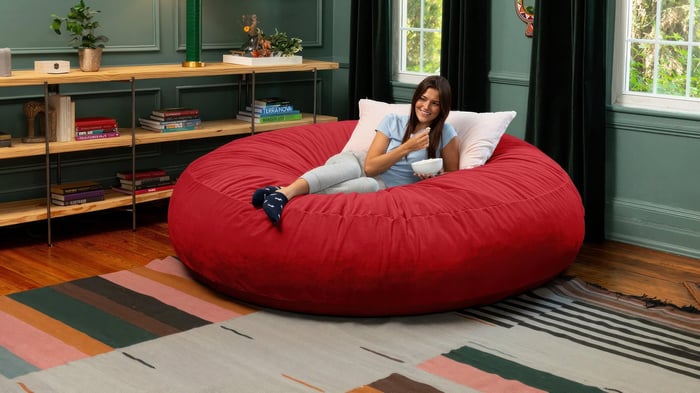
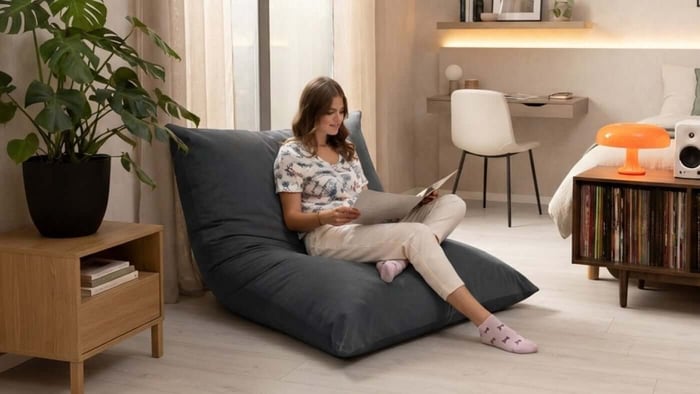
Pieces like a Lounger, Unsofa, or Raven Relaxer can easily be repositioned when needed. This flexibility becomes useful for movie nights, gaming sessions, changing a room layout, or hosting guests.
Instead of being locked into one configuration, the room can easily adapt to however you'd like to use it.
Leave Room to Move
It's easy to focus so much on seating that you forget about walking.
A well-designed room places furniture around a screen that allows people to enter and exit easily, reach tables or storage, and move around without blocking the screen. Try to maintain clear pathways around major furniture pieces whenever possible.
It's most ideal when there is room behind a couch to move behind, so that way no one is ever forced to cross directly in front of the screen. A lot of smaller apartment setups don't allow for this - it's not the end of the world. Just avoid it if you have the space to do so.
Design for More than One Activity
Most entertainment rooms aren't used exclusively for movies. They often become hubs for hanging out, playing games, hosting events, or just relaxing during the evening. Good layouts support all of these activities.
When furniture is modular, or serves multiple purposes, the room gets used more often, which is the goal.
Arranging furniture around a screen isn't about following strict design rules. It's about creating space that's comfortable, functional, and enjoyable to use.
Keep seating at a comfortable distance, prioritize natural viewing angles, center your primary seating when possible, and leave room for movement. Remember that comfort almost always wins over perfection.
FAQs
What is the best way to arrange furniture around a screen?
The best approach is to position the primary seating area directly facing the screen while maintaining comfortable viewing distances and clear walking paths throughout the room.
How far should a couch be from a TV?
The ideal distance depends on screen size, but most couches should be positioned between 5 and 12 feet from the screen, depending on its dimensions.
Does a TV need to be centered on a wall?
Not always. While centering can create visual balance, it's more important that the screen works with the room layout and provides comfortable viewing angles from primary seating positions.
Is a sectional good for a home theater?
Yes. Sectionals can create an immersive viewing experience while providing flexible seating for multiple people. Just make sure the screen remains visible from all primary seating positions.
What furniture works best in front of a TV?
Sofas, sectionals, loungers, accent chairs, and flexible seating all work well. The best choice depends on the size of the room and how you plan to use the space.
How high should a TV be mounted?
In most cases, the center of the screen should be close to eye level when seated. Mounting a TV too high can lead to neck strain during long viewing sessions.